 Omnia
OmniaA moment to hydrate.
Quickly log water, review your daily total and see your recent history.
A daily companion for the things that make you, you. From your first glass of water to your last task of the day.
Coming soon to iPhone · Explore the app today
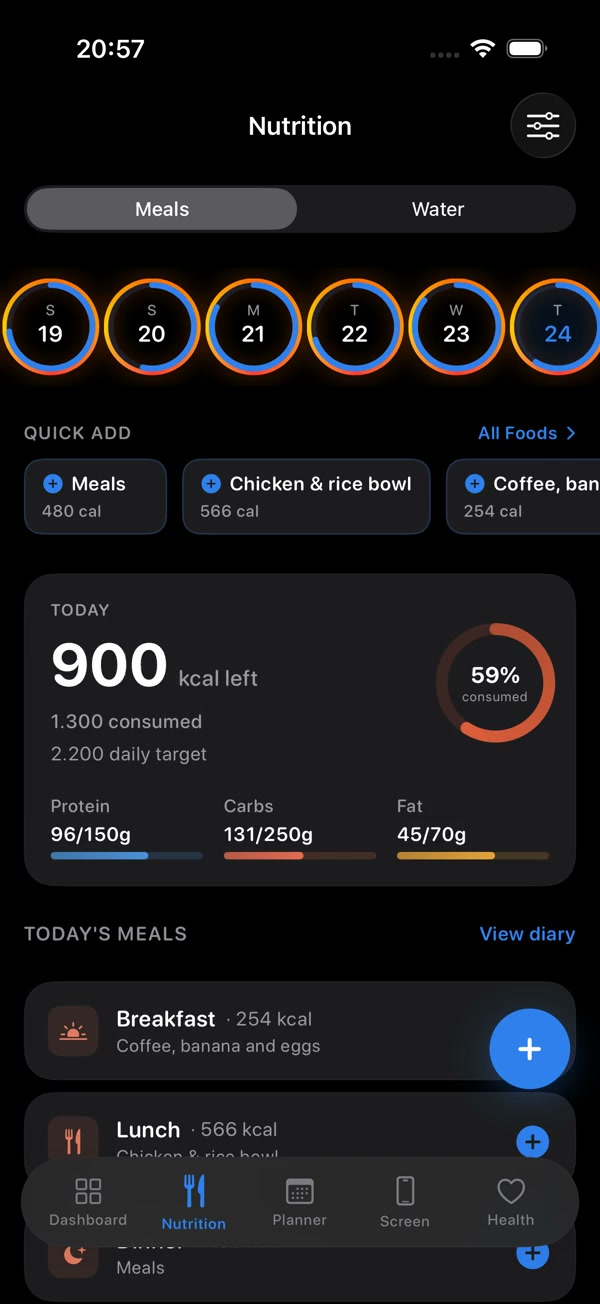
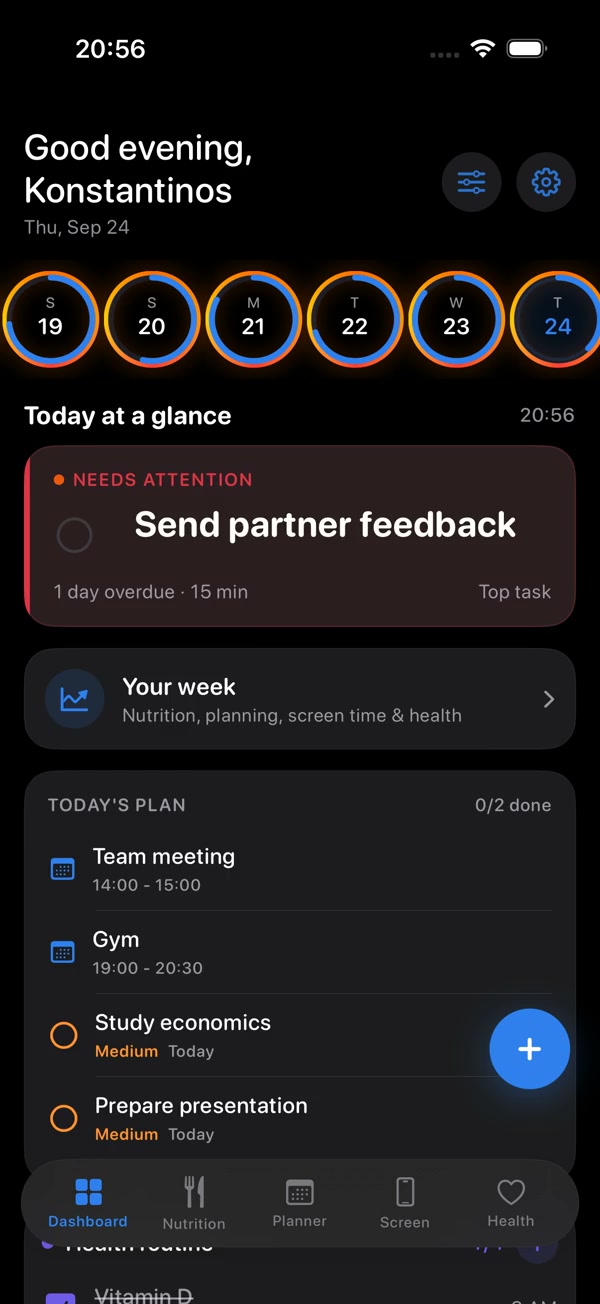
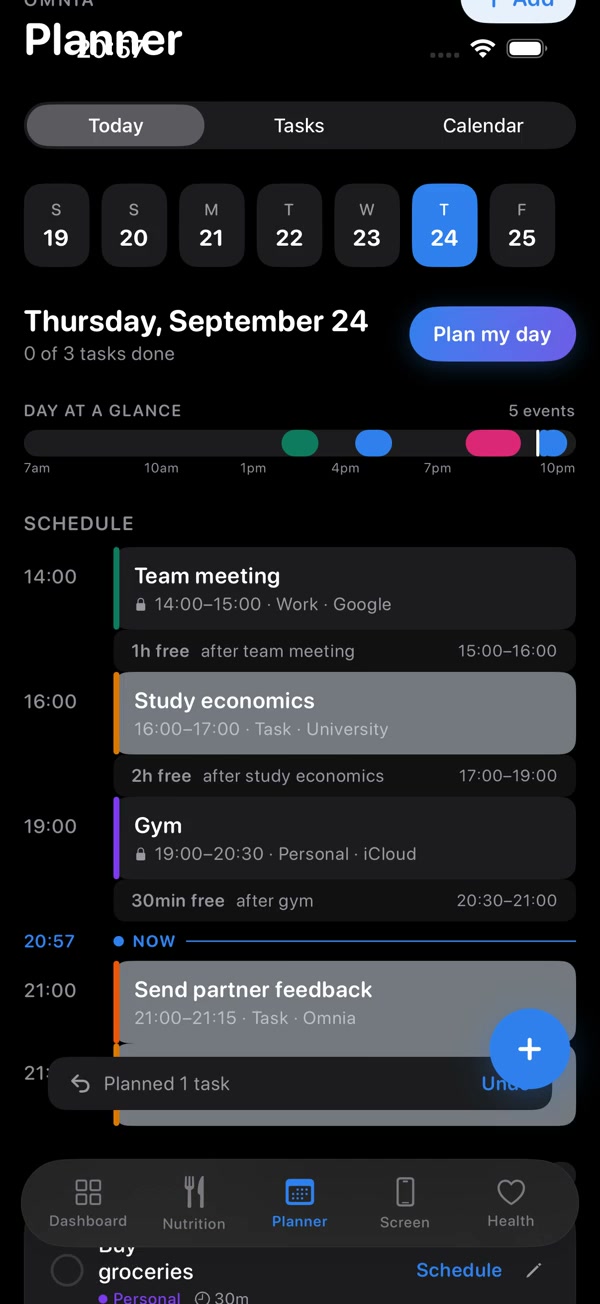
Build a picture of what you eat without making every meal a project. Omnia brings flexible capture and your food diary into the same space.
AI nutrition values are estimates. Review and adjust them before relying on your food log.
Explore a sample food diaryYour tasks should fit around your day. Omnia puts your to-dos, events and available time in one view, so it’s easier to see your next step.
A simpler place to keep the routines you choose for yourself, and notice your progress over time.
Quickly log water, review your daily total and see your recent history.
Keep your chosen habits visible and track the small steps you take each day.
Organize existing routines and choose reminders that suit your schedule.
Keep weight entries and look back at your logs, with your own goals in view.
Step through the app, from personal setup to your daily dashboard, nutrition and planner.
Recorded app walkthrough · 1 minute 23 seconds · no audio
Prefer to explore? Try the interactive tourOmnia is a daily wellbeing and planning app from OmniaTech. It brings meal logging, nutrition, water, habits, personal routines and your schedule into one place.
Yes. The interactive experience lets you explore a sample day, add example meals, log water and organize example tasks. It is a website demonstration, separate from the native app, and does not use your personal health data.
Open the interactive experienceThe app supports photos, text, voice, barcodes, labels and receipts. AI-assisted capture and food database lookups help produce nutrition estimates. Estimates can be inaccurate, so review the results and adjust portions and foods as needed.
No. Omnia is designed for general wellbeing and organization. It is not a medical device and does not diagnose, treat or replace advice from a qualified health professional.
With your permission, Omnia can read calendars already available on your iPhone. The planner brings those events into context with your tasks. Direct Google and Microsoft account connections are not part of the experience shown here.
Omnia is preparing for its first iPhone release. It is not yet available on the App Store or TestFlight. The official download link will appear here when it is ready. In the meantime, you can watch the real app and try the interactive website tour.
The website tour uses sample data for your current visit. In the native app, permissions and processing depend on the feature you use; AI-assisted capture involves external processing. Review the privacy information provided with your app version before using it.
Data and your choices
A little more awareness. A little more clarity.
A little more room for you.